
Features
Everything you need to keep up, and nothing you don't
A closer look at how Viwella helps you follow channels, save videos and watch on your own terms.
Following
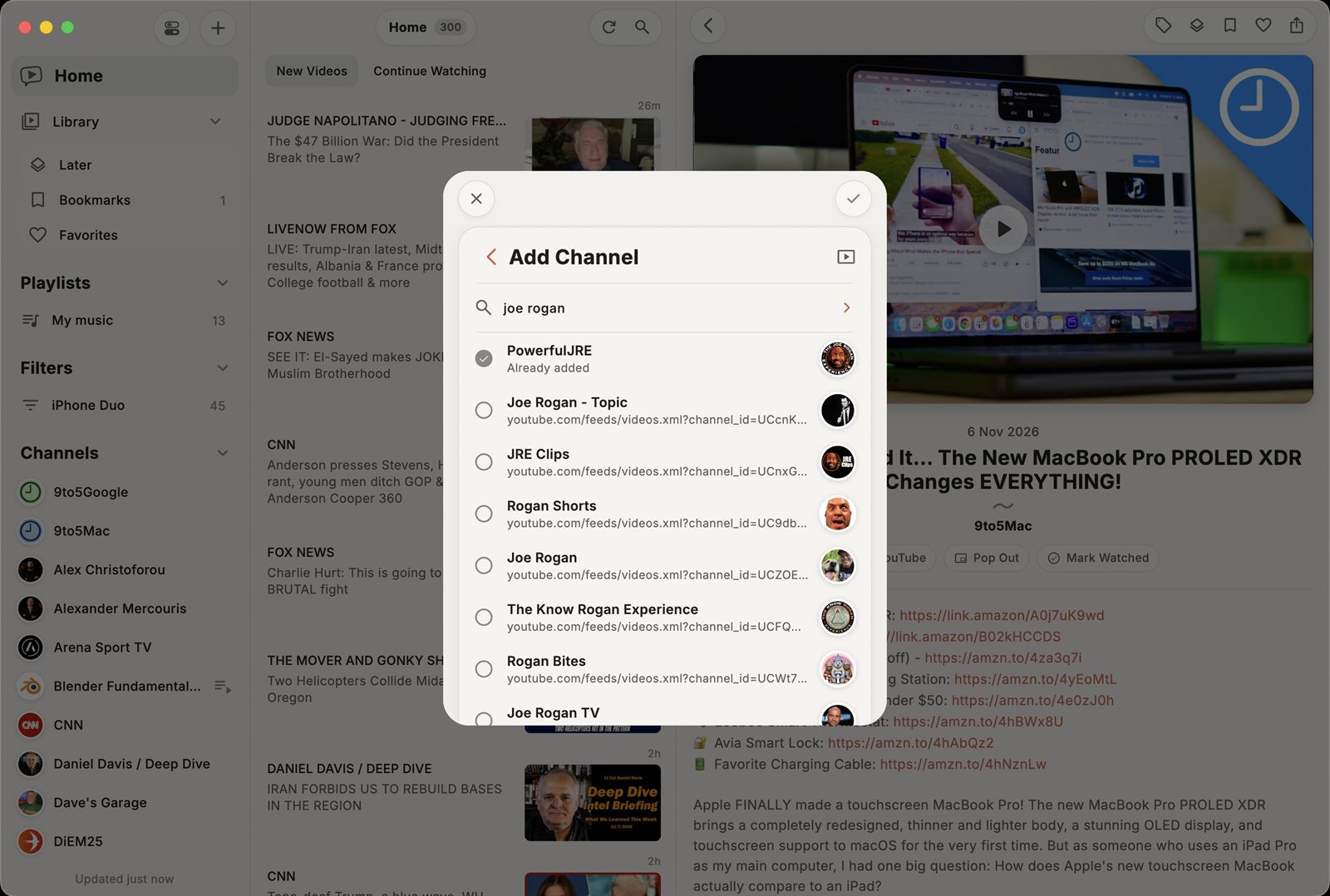
Add any channel or playlist in seconds
Paste a channel, handle, playlist or video link, or search by name. Viwella shows matching channels and playlists so you can add several at once.
- Bring your list from another app with OPML import, or paste one channel per line (Viwella Pro)
- Export your channels as OPML whenever you like
- Load older videos from any channel with Load more
Home, the way it should be
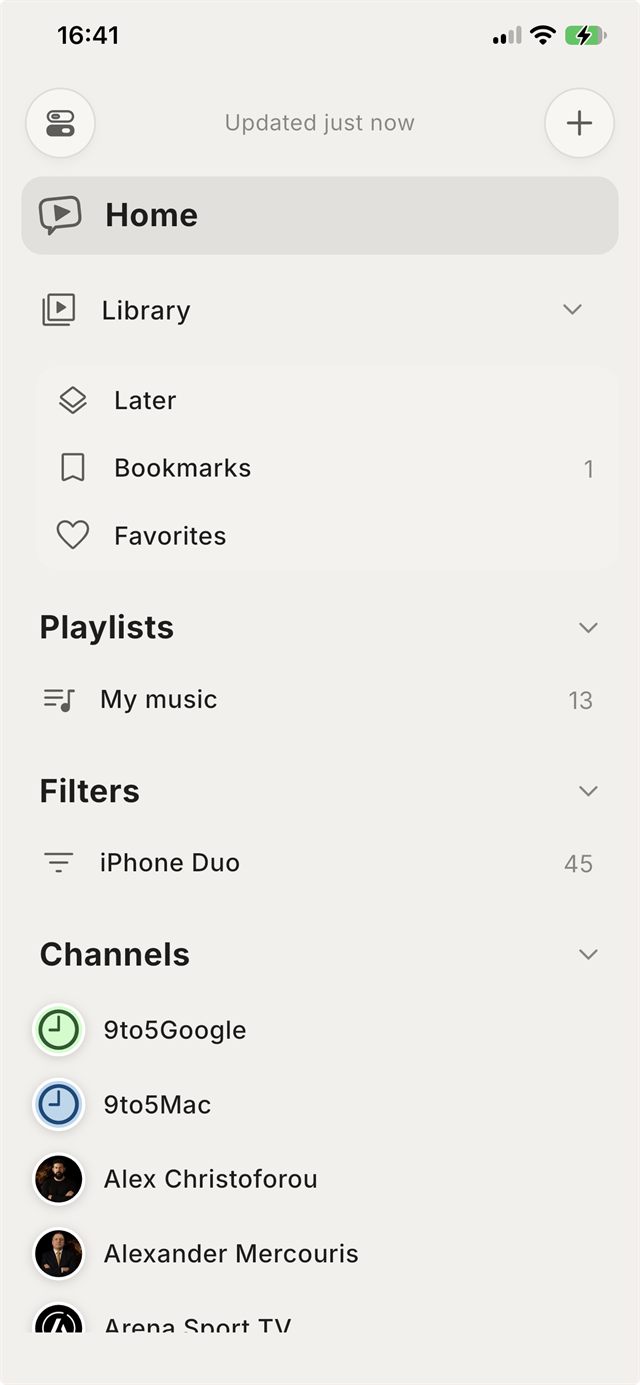
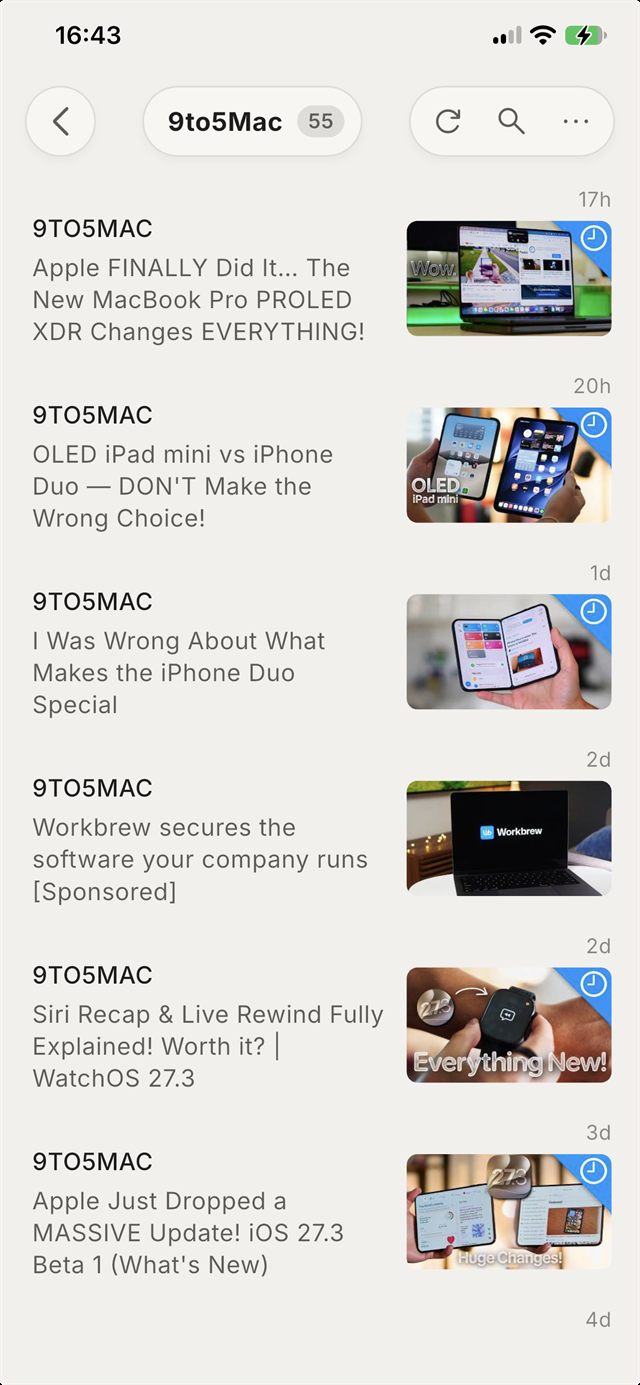
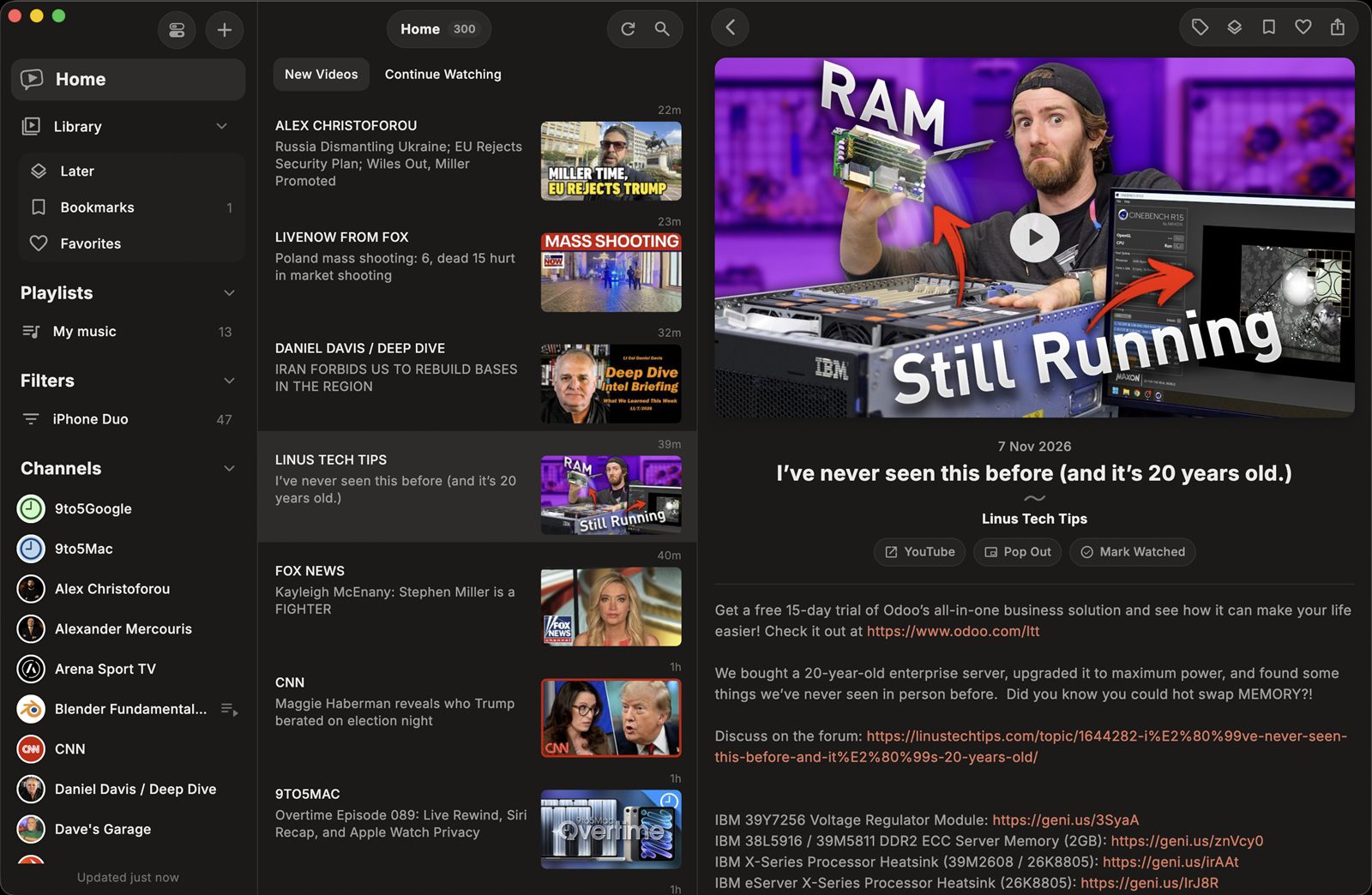
One timeline of new videos from everything you follow, sorted by date.
New Videos
Fresh uploads since your last visit. Videos you finish can be removed automatically.
Continue Watching
Viwella remembers your position in every video, so you can stop and resume on any device.
Always up to date
Feeds refresh when you open the app and on a schedule you choose while it's running.
Folders
Group channels in the sidebar by topic, such as Tech, Music or News.
Per-channel settings
Rename a channel, keep it off Home, or hide its Shorts.
Search
Search titles and channels in your library, or include video descriptions too.
Library
Later, Bookmarks, Favorites, and your own tags
Three built-in collections cover the basics. Create your own tags for anything else, like recipes, tutorials or videos to share.
- Save from the video toolbar, the context menu or a swipe
- Choose what swiping left and right does
- See item counts at a glance in the sidebar
Playlists
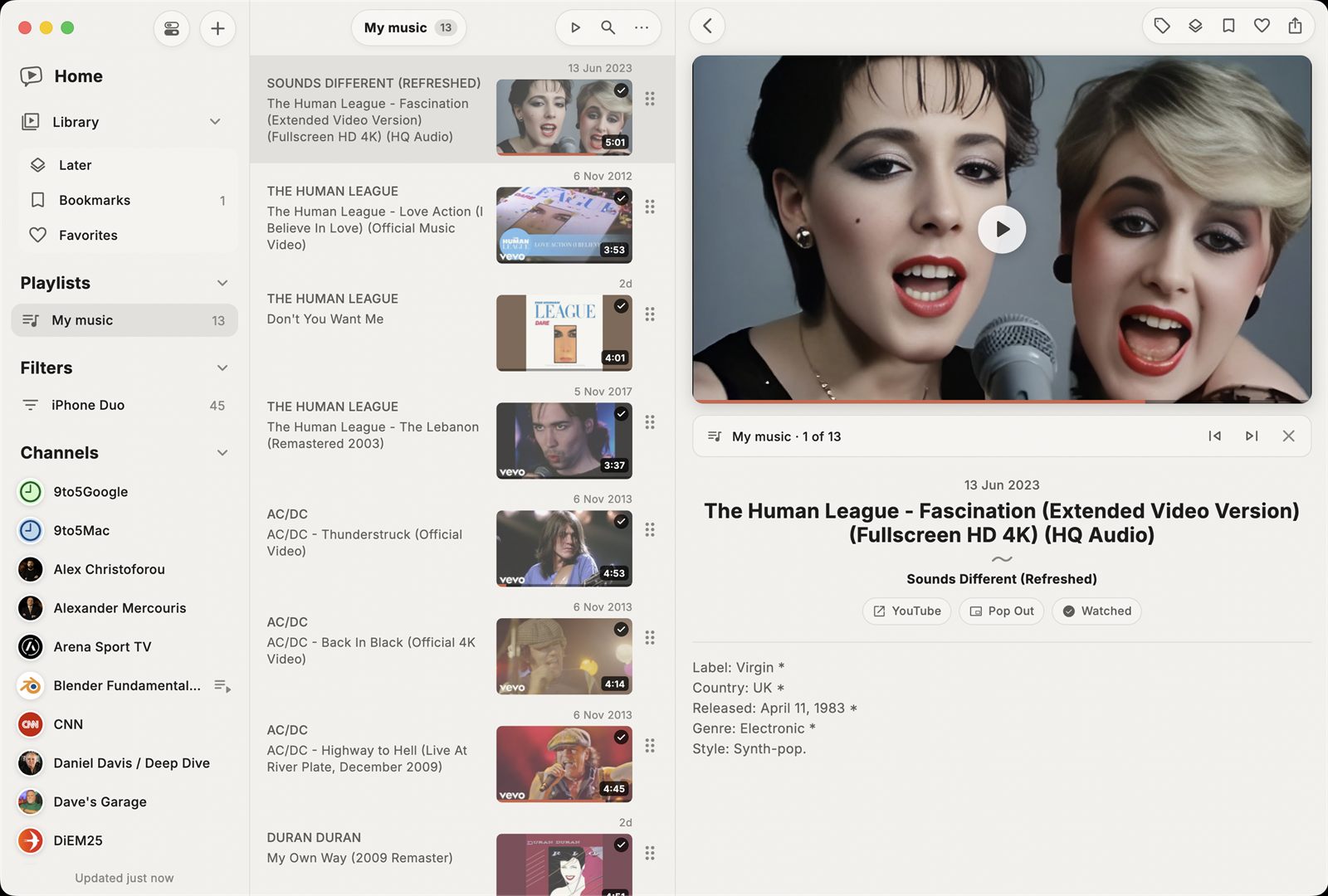
Your own playlists, played in order
Collect videos from any channel into playlists. Press Play All and Viwella moves to the next video by itself. Followed YouTube playlists live in the sidebar too.
Filters
Saved searches that keep up for you
A filter is a keyword search across all your channels that updates as new videos arrive. It shows up in the sidebar with a count of matches.
| Type | Matches videos where |
|---|---|
iphone review | both words appear, in any order |
"iphone duo" | the exact phrase appears |
rust OR go | either word appears |
apple -shorts | "apple" appears and "shorts" does not |
Matching ignores capitalization and finds words inside longer words.
Player
The official player, in a calmer frame
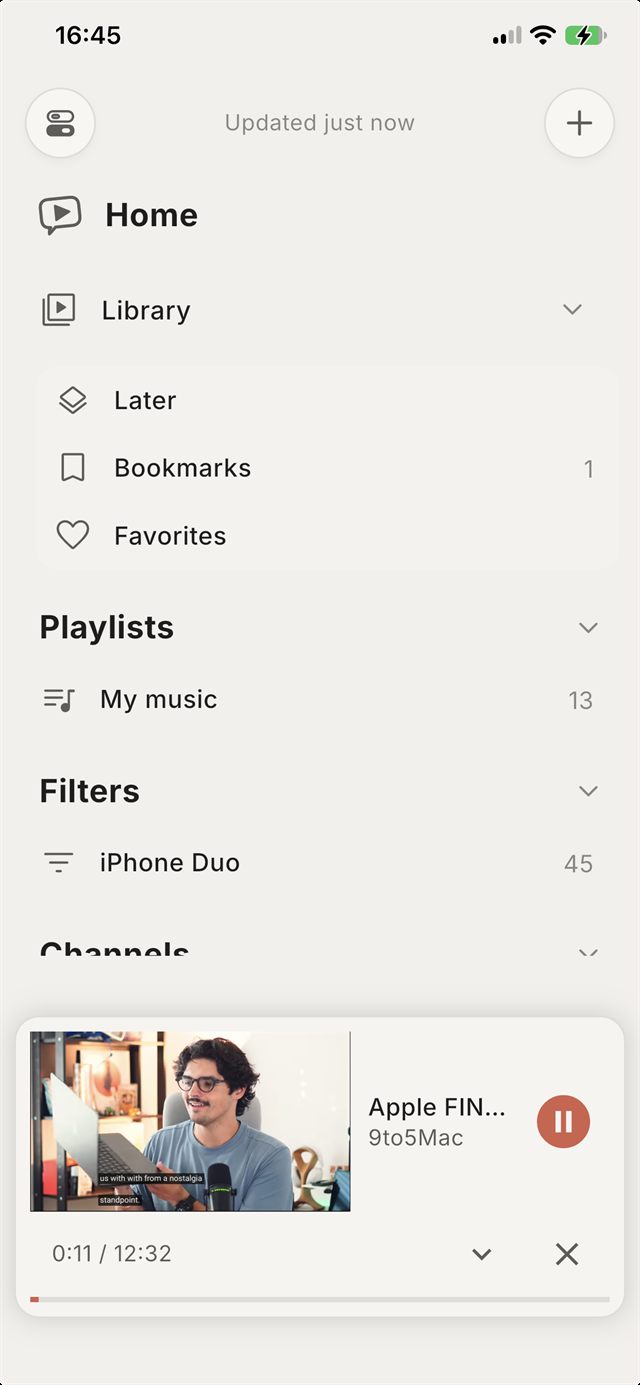
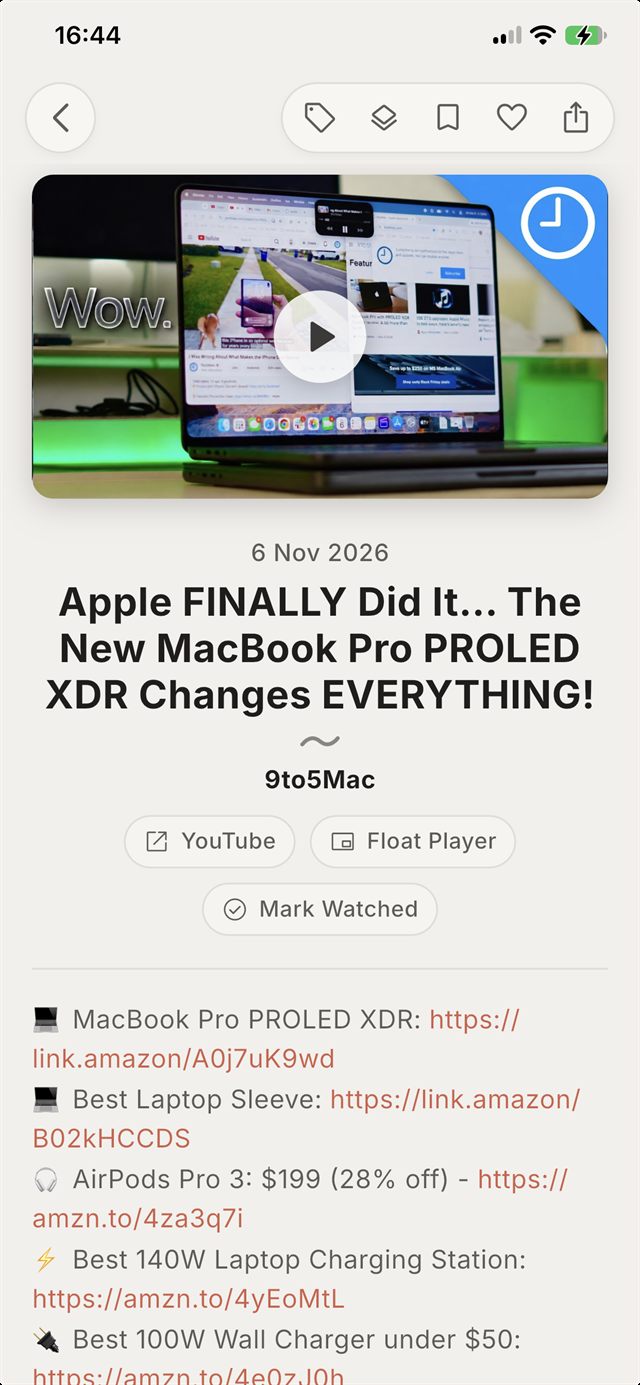
Videos play in YouTube's embedded player, right inside Viwella. You see the title, date, channel and full description with clickable links, without comments or recommendations.
- Pop Out on Mac and Windows plays the video in its own window
- Float Player on iPhone and iPad keeps playing while you browse
- Open any video on YouTube with one tap
Sync
One library across iPhone, iPad, Mac and Windows
With Viwella Pro, turn on sync and your channels, folders, saved videos, playlists and watch progress follow you from device to device.
iCloud
The simplest choice on Apple devices. Uses your own iCloud storage, with no sign-in.
Google Drive
Works on every platform, including Windows. Viwella stores its data in a private app folder and can't see your other files.
Make it yours
Light or dark, compact or roomy
Pick light, dark, or follow your system. Choose the interface size, show or hide thumbnails, and decide how often feeds refresh.
- Light and dark appearance
- Custom swipe actions
- Keyboard shortcuts: Ctrl/⌘ R to refresh, Ctrl/⌘ N to add a channel
Get Viwella free
Available for iPhone, iPad, Mac and Windows. Free with up to 3 channels and 1 playlist; Viwella Pro removes the limits.